- Chainsaw Man
- Resident Evil
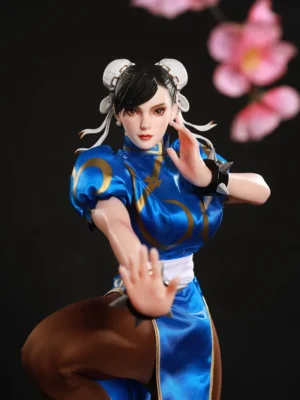
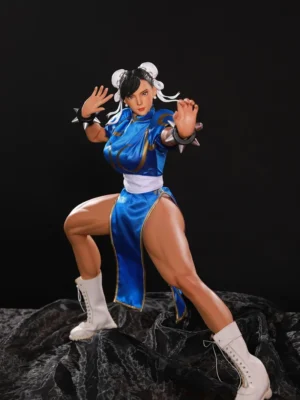
- Street Fighter
- Spy x Family Figures
- Azur Lane
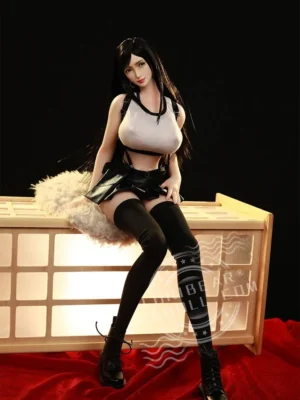
- Final Fantasy
- Dragon Ball
- Naruto
- Neon Genesis Evangelion
- Nier: Automata
- Kuroinu Figures | Olga Discordia Dark Elf
- Queen Pharnelis-Goblin
- Non Virgin Bunny Girl
- Prison School
- The King of Fighters
- One Piece
- Figure Heads & Accessories
How to Photograph a Son Goku Figure With Real Energy

Learning how to photograph a Son Goku figure means turning the speed, force and direction of Dragon Ball animation into a single frozen frame. Goku is recognisable through far more than his clothing or hairstyle. His most memorable poses contain a clear line of action: weight driven through one leg, the torso twisting into a strike, a fist pushed toward the viewer or both hands gathering energy around an invisible focal point.
The camera can strengthen that movement, but it cannot create it from an unclear pose. Begin by deciding exactly what Goku is doing and where the imagined opponent, target or source of danger exists. Camera height, focal length, lighting and background should then support that same action rather than competing with it.
A successful Son Goku figure photograph should feel like one decisive instant taken from a larger battle. Even when no opponent appears in the frame, the viewer should understand where the energy is travelling and what Goku is reacting to.
Write the scene in one sentence
Before touching the camera, describe the intended image in one clear sentence. “Goku braces before releasing an attack” immediately gives the pose a purpose. “Goku looks powerful” does not provide enough direction.
A specific action determines which foot carries the weight, how the hips rotate, where the shoulders point and which direction the eyes should follow. It also tells you where to leave negative space inside the frame.
An advancing pose usually benefits from open space in front of the movement. A defensive pose can feel more tense when Goku sits closer to one edge, as though pressure is entering from outside the frame.
Use a phone camera for quick tests before setting up the final lights. Move around the figure and compare several angles while the pose remains unchanged. This makes it easier to identify whether the scene should feel heroic, explosive, calm, threatening or cinematic before technical decisions begin.
Pose for the camera rather than for the shelf
A shelf pose needs to look convincing from several casual viewing angles. A photographic pose only needs to work from the final camera position, which gives the photographer much more freedom.
You can hide joint gaps behind the torso, move one leg deeper into perspective or place a support stand directly behind the body where the lens cannot see it. Small compromises outside the camera view can create a much cleaner image inside the frame.
Set the head and eyes first. Goku’s gaze should connect with the imagined opponent or attack line. Once that direction feels convincing, align the shoulders, torso, hips and feet so the whole body supports the same intention.
If the hands aim one way while the face appears distracted by something else, the image loses momentum. Even a technically perfect photograph will feel staged when the character’s body language does not agree with itself.
| Visual goal | Camera position | Result |
|---|---|---|
| Heroic presence | Slightly below chest height | Emphasises the torso and upward silhouette |
| Fast punch | Close to the leading fist | Uses foreshortening to increase impact |
| Character portrait | Near eye level | Keeps expression and facial accuracy dominant |
| Battle environment | Lower and slightly wider | Shows ground texture and directional space |
Choose focal length deliberately
Lens choice changes the apparent anatomy of a figure. A wider lens placed close to Goku exaggerates whatever sits nearest to the camera. A fist, boot or energy effect can become dramatically larger than the head and torso, which works well for aggressive action photography.
The same technique can become distracting when overused. Moving too close with a wide lens may make the body look unnaturally small behind the leading limb.
A longer focal length compresses perspective and gives the figure cleaner proportions. It works particularly well for portraits, calm power-up poses and images where facial sculpting matters more than extreme motion.
Move the camera physically before relying on digital zoom. At miniature scale, even a few centimetres can change the relationship between the nearest hand, the eyes and the body.
For a group photograph, keep important faces reasonably close to the same focus plane. This reduces the need for extremely small apertures and helps each character remain visually clear.
 Shape the face with a large light source
Goku’s expression often carries as much energy as the pose. A small bare light can create hard highlights across painted skin, glossy eyes and hair, making the figure look more like plastic than a character.
A larger diffused light produces broader transitions across the face and torso. Place it slightly above and to one side so the cheekbones, nose, jaw and clothing folds retain visible shape.
A white card or soft reflector on the opposite side can control shadow depth without flattening the sculpt. Moving that card closer produces a brighter, cleaner anime look, while pulling it farther away adds contrast and drama.
The Canadian Conservation Institute’s guide to lighting methods for photographing museum objects explains how controlled lighting can reveal form and surface information that flat ambient light or direct flash may hide. The same principle works beautifully for figure photography: use light to describe the sculpt rather than simply brighten it.
Use rim light to separate the hair and shoulders
Goku’s silhouette can disappear when the hair and background share a similar brightness. A restrained rim light behind the figure creates a narrow highlight along the hair spikes, shoulders and clothing edges, separating the character from the background.
The effect should remain subtle. When every edge glows equally, the figure starts to look digitally cut out and the surface sheen becomes more noticeable than the sculpt.
Position the rim light slightly behind and to one side, then use a flag or piece of black card to prevent it from shining directly into the lens.
Reduce the intensity until the silhouette becomes readable without creating an obvious halo. The main light should still determine the face and body; the rim exists only to help the character stand apart from the environment.
Background colour should support the transformation
Background colour changes the emotional reading of Goku immediately. Blue creates strong contrast against warm clothing and can suggest open sky, cool energy or distance. Dark grey makes brighter hair and effect parts stand out without forcing the scene into a specific location.
Warm stone, dusty brown or muted orange can suggest a damaged battlefield without requiring a complicated diorama. These broader colour fields often work better than detailed printed backgrounds because the figure already contains substantial visual information.
Keep the background farther from the figure when possible. Extra distance makes it easier to soften through depth of field and separates dust, texture and small imperfections from the subject.
A curved card or seamless fabric removes the horizon line for portrait work. Textured foam, rock or industrial panels can establish environmental scale when the goal is a more cinematic battle frame.
Check the background carefully before shooting. At close magnification, one stray fibre or piece of dust can become almost as visible as a painted detail on the figure.
Energy effects need a believable source
Energy effects look convincing only when the surrounding scene reacts to them. An effect held between the hands should appear to illuminate the fingers, face and nearby clothing rather than floating independently in front of the character.
Use a small coloured or neutral light near the effect to create that interaction. The light does not need to be strong; even a slight reflection on the palms can make the energy feel integrated into the scene.
Hide the physical support behind the forearm, torso or another background element whenever possible. The best effect part appears to originate from the character rather than from a visible stand.
If you extend the effect digitally, preserve the same direction, softness and brightness established in-camera. A sharply outlined digital glow looks disconnected when the physical lighting remains soft.
Capture one clean version without the effect as well. That gives you more flexibility during editing and provides a reliable reference for the original pose.
 Control depth of field around the face and attack line
Close-up figure photography produces shallow depth of field very quickly. For portraits, focus on the nearest eye. The viewer will forgive slightly softer hair or clothing much more easily than an unfocused face.
For two-handed attack poses, rotate the figure or camera until the hands and eyes sit closer to the same focus plane. This can preserve both the facial expression and the energy effect without requiring extreme camera settings.
A smaller aperture increases depth of field, but it also requires more light or a slower shutter speed. A tripod and remote release make this easier because the figure itself remains completely still.
Low ISO usually preserves the smooth colour transitions associated with anime figures. Excessive digital noise can make flat painted surfaces appear rougher than they actually are.
Colour accuracy protects the character identity
Set a consistent white balance before making creative colour changes. Mixed lighting can shift clothing, skin and hair in different directions within the same frame.
Include a neutral card in one test photograph so the base colour can be corrected accurately later. Once the reference image is recorded, the card can leave the scene.
Turn off room lights that introduce another colour temperature. One controlled lighting setup is easier to edit than a mixture of cool daylight, warm ceiling lamps and coloured LEDs.
Post-production should strengthen the mood rather than redesign the figure. Adjust exposure, contrast and colour selectively, but avoid excessive clarity that exaggerates dust, paint texture and mould lines beyond what the eye notices at normal viewing distance.
Character-series context and related collector subjects are organised in the Anime Doll Brands & Series collection. It can help when choosing another character whose visual identity and story relationship genuinely support the Dragon Ball scene.
A second character can turn action into a story
A solo Goku photograph communicates power, but adding another character creates tension because the viewer can see where that power is directed. The second figure does not need to perform an equally dramatic action. A restrained expression can create an even stronger contrast.
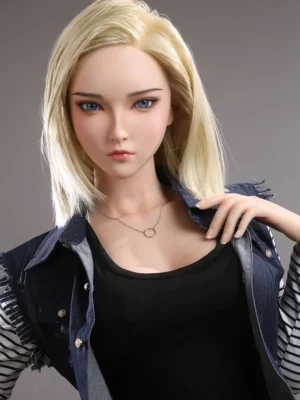
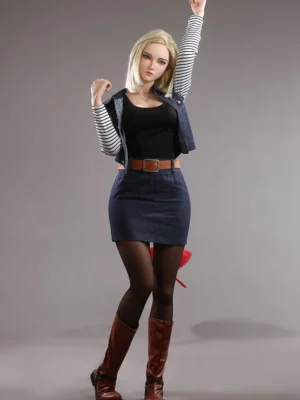
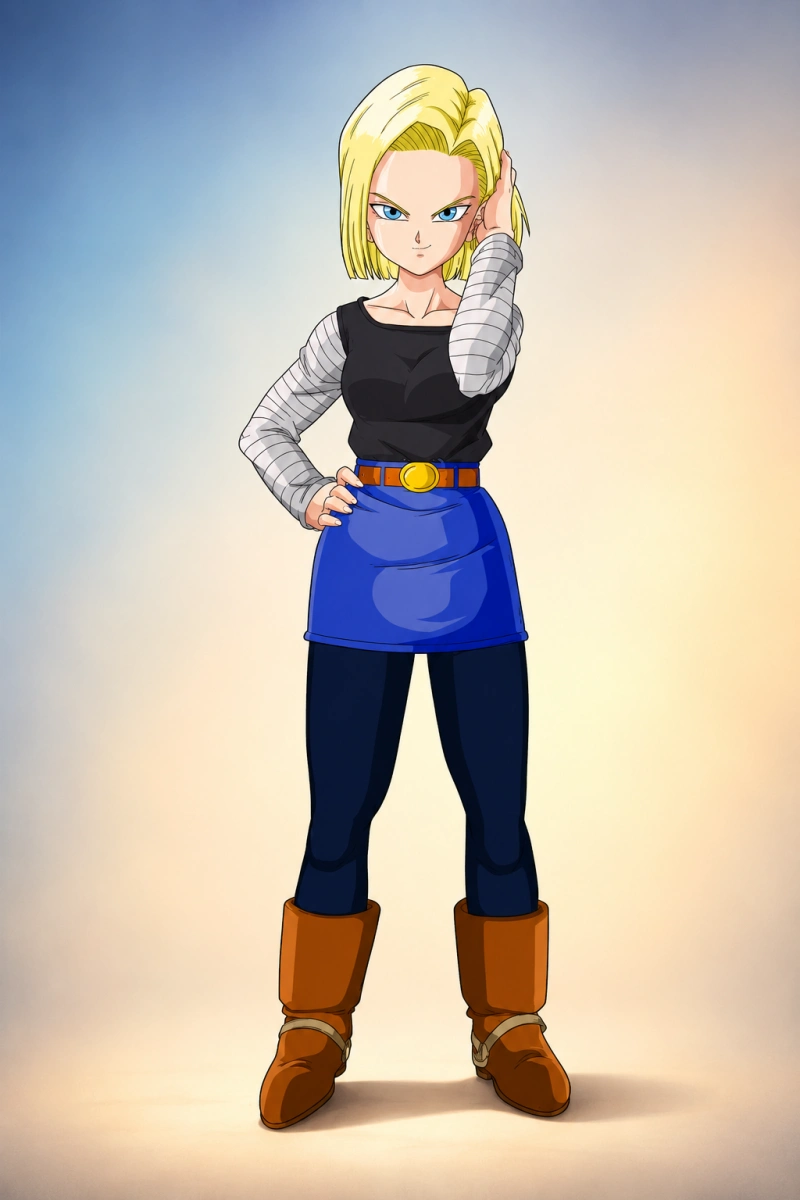
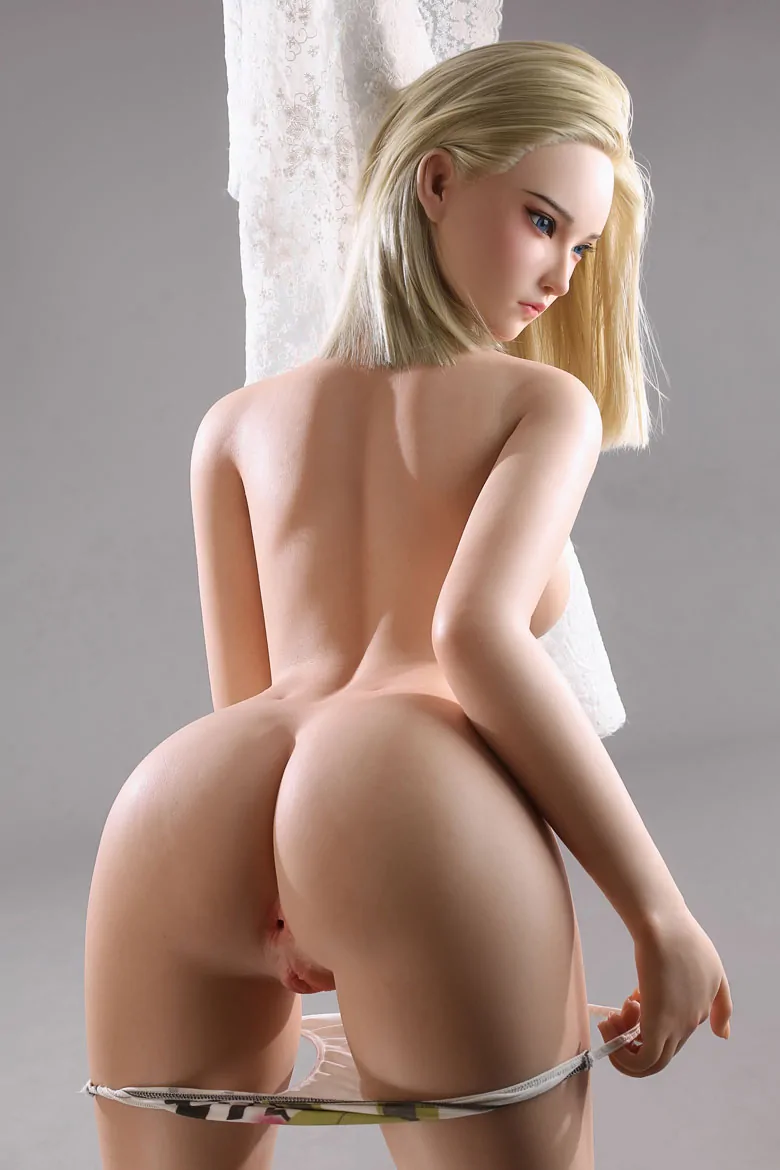
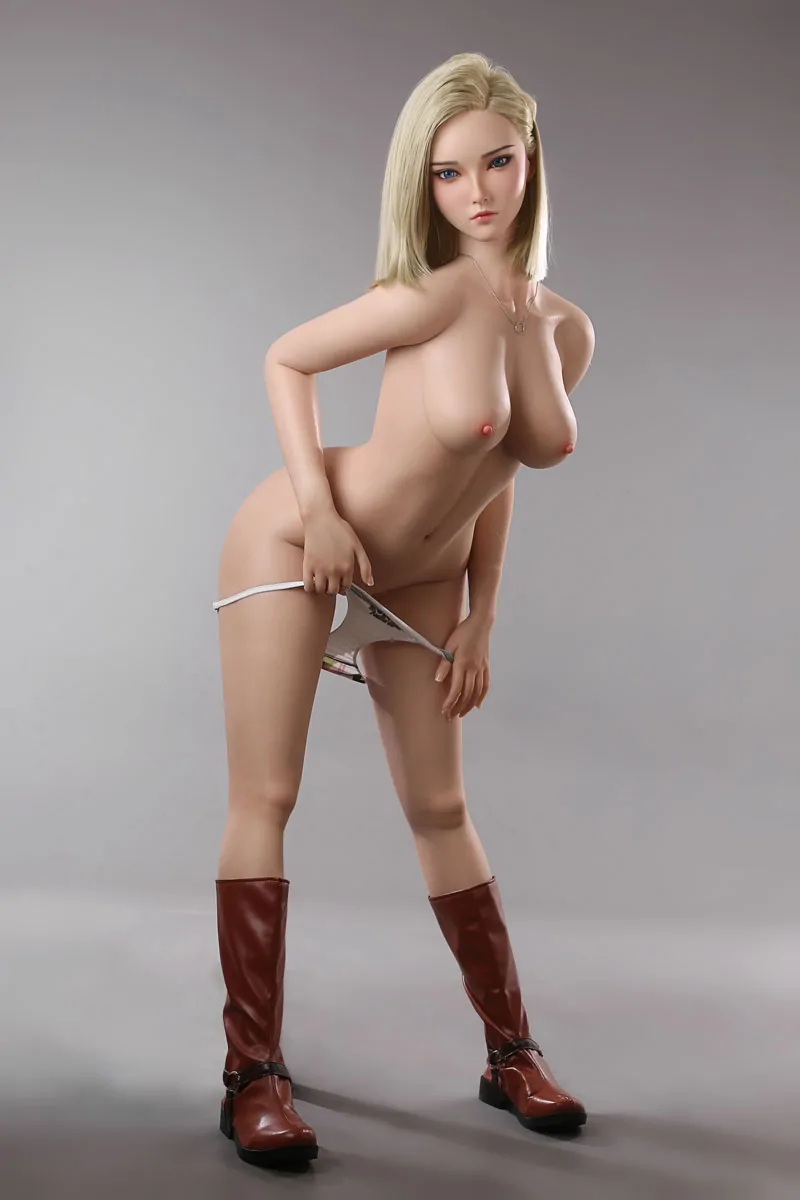
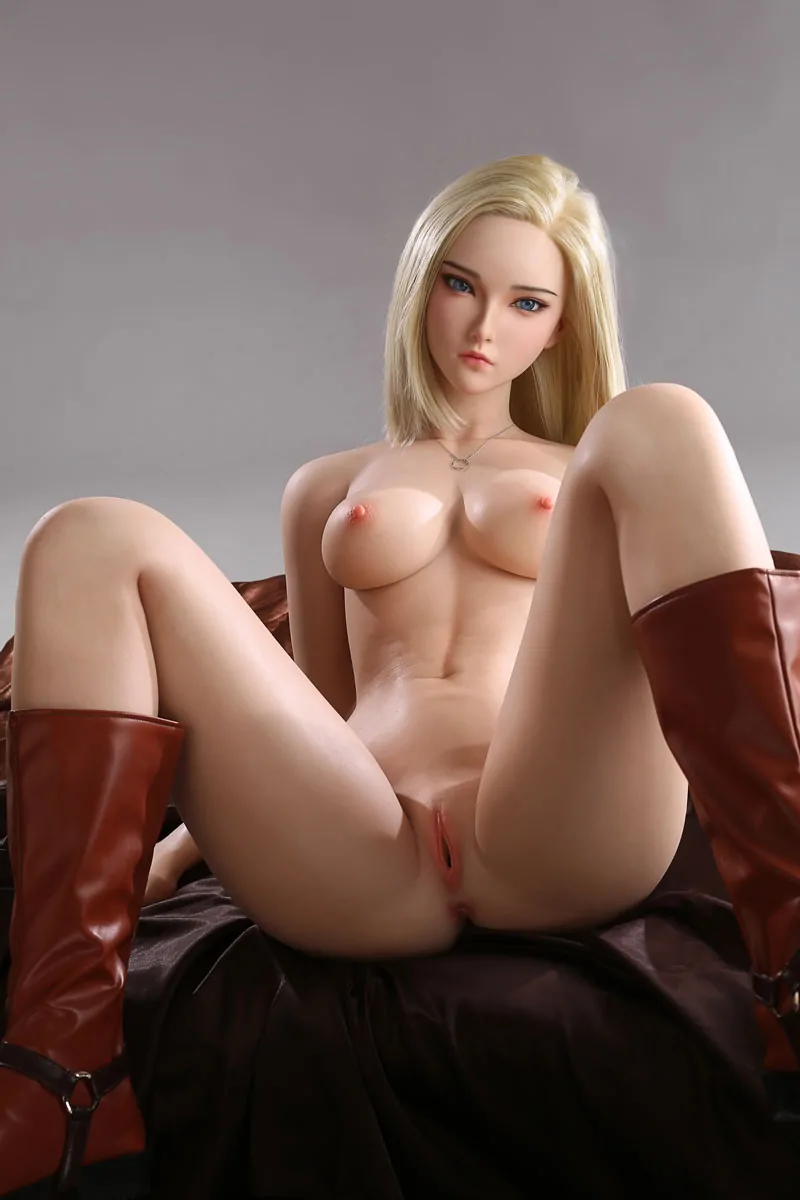
The Android 18 figure offers a particularly striking Dragon Ball pairing because her calm confidence creates a different kind of energy beside Goku’s direct physical movement. Rather than making both characters compete through aggressive poses, Android 18 can become the controlled visual counterpoint that gives the frame more personality.
Her recognisable character styling and silicone body give the composition a stronger human presence than another mechanical or rigid background element. A composed pose in the foreground can create depth while Goku remains positioned behind her along the action line.
This contrast also gives the photographer more narrative possibilities. Android 18 can appear unaffected by the tension, respond with restrained confidence or simply become the visual centre while Goku’s pose introduces movement around her.
For Dragon Ball collectors who already admire Android 18, the Android 18 figure offers more than a supporting prop. Her face, character attitude and tactile silicone construction allow her to become a genuine centrepiece within a more mature Dragon Ball display or photography setup.
Build a broader Dragon Ball and anime scene through LORIBEAR
Browse the LORIBEAR shop when you want character presence to become a larger part of the scene. The collection brings together anime- and game-inspired heroines with distinct expressions, personalities and body styling, allowing the photographer to choose characters who add genuine narrative contrast instead of filling empty background space.
Some LORIBEAR heroines create a softer and calmer mood, while others contribute confidence, mystery or stronger visual authority. For a Dragon Ball composition, Android 18 can provide an especially coherent transition from conventional figure photography into a more character-led display.
A strong second character changes the scale of the photograph emotionally as well as visually. Goku supplies motion and explosive direction; a carefully chosen heroine can supply stillness, attitude and the human focus that turns a technical action shot into a scene with a relationship behind it.
The goal is not to add more objects to the frame. It is to choose the character whose presence makes Goku’s action feel as though it belongs to a larger world.
 Take a controlled sequence instead of chasing one lucky frame
Capture several deliberate versions of the setup. Begin with a wider establishing frame, then move into a medium action image, a face portrait and close details of the hands, clothing and energy effect.
Change only one variable at a time. Raise the camera slightly, alter one hand position or reduce the rim light rather than changing the entire setup between shots.
This makes it much easier to understand why one photograph feels stronger than another. The process becomes repeatable instead of depending on luck.
Before dismantling the scene, review the eyes, hand connections, support stands, background edges and visible dust at full magnification.
The strongest Dragon Ball Son Goku figure photograph combines recognisable character cues with one clear action and carefully controlled technique. Energy is created through pose, perspective and light—not added afterward by a filter.
Son Goku Figure Photography Questions
What is the best camera angle for a Goku figure?
A slightly low angle strengthens heroic presence, while eye level keeps the facial sculpt more natural. Choose the angle that supports the specific action rather than using one position for every photograph.
How can a support stand be hidden?
Align it behind the torso, leg or another solid part of the figure from the final camera position. A clean reference frame can also help if minor removal is needed during editing.
Why can Super Saiyan hair lose detail in photographs?
Bright hair can merge with a pale background or lose highlight detail under strong frontal light. Reduce exposure slightly, move the light to the side and use a darker contrasting background.
Should figure photography use flash?
Flash works well when diffused, bounced or moved away from the camera. Direct on-camera flash often creates hard reflections and removes the shadows that reveal sculpted form.
Why can Android 18 strengthen a Goku photography setup?
Android 18 adds a recognisable Dragon Ball personality with a calmer, more controlled visual presence. That contrast can make Goku’s movement feel more dramatic while giving the overall scene stronger character chemistry and narrative depth.